
Adding or Updating a Sanction Number on website
Typically, the Sanction number will appear in the Side Bar located on the right side of your homepage.
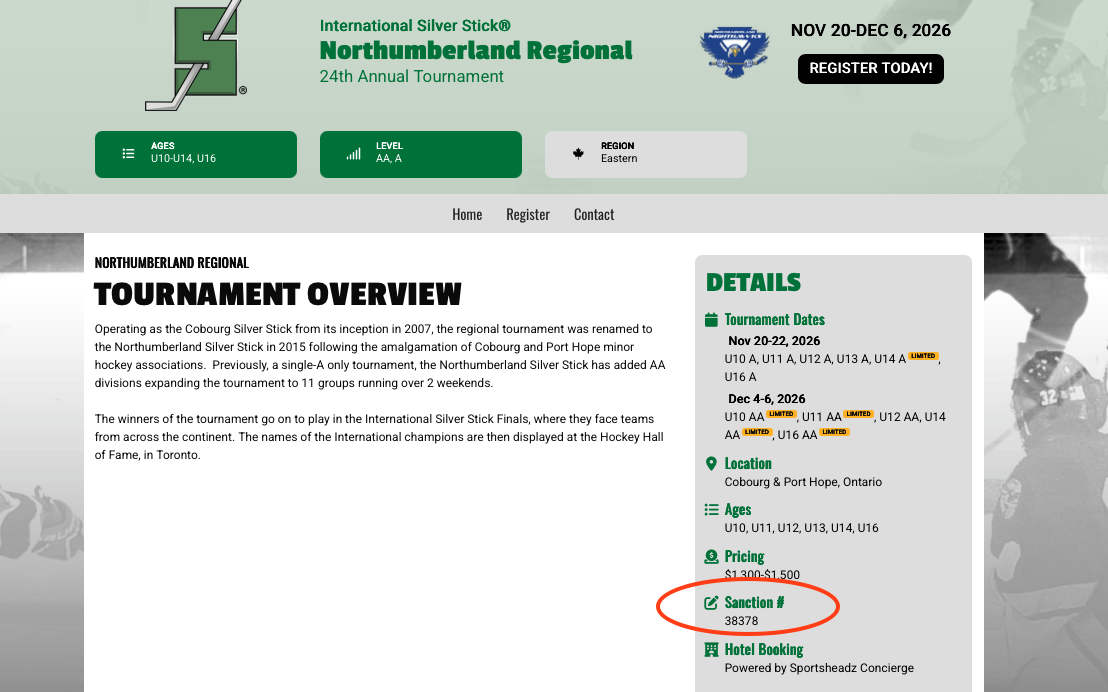
Adding or updating a tournament sanction number can be completed using the Listings Filters tool found in Bracket's Marketing Section.
Brackets—>Marketing—>Listing Filters
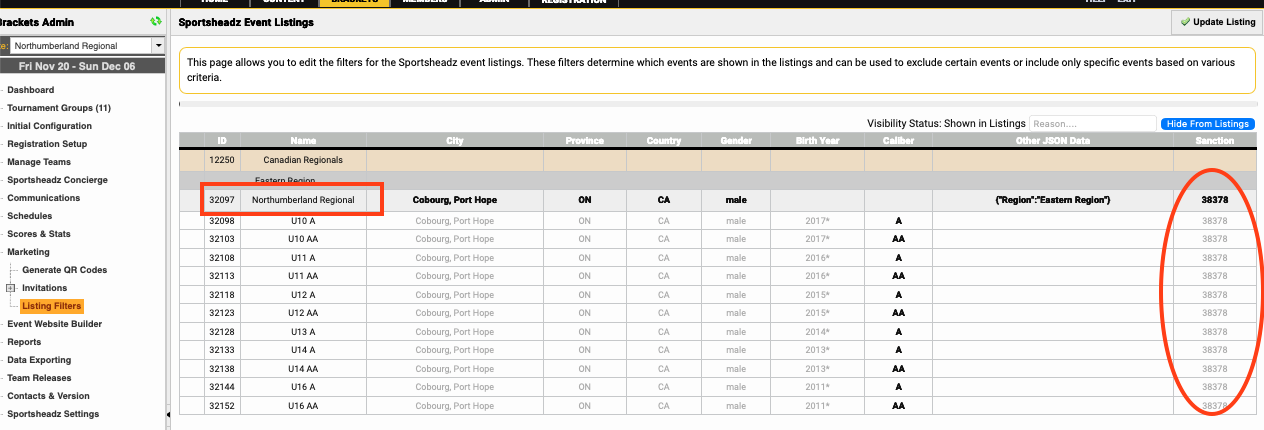
- Double click on the line with your tournament name and the following window will open;
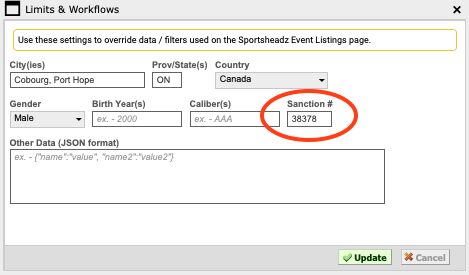
- Enter your tournament's Sanction #
If any tournament information is missing, add the City, Country, Gender.
- Click the Update button and the window will close. If you have multiple sanction numbers for your tournament, enter the appropriate sanction number for each group.
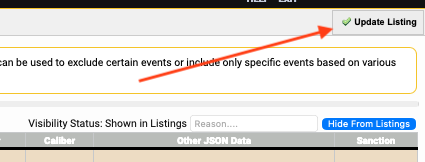
- To apply the Sanction number to your website, click the Update Listing button in the top right. **Please allow 3-5 minutes to be added to your tournament homepage**
Be sure to check out your tournament's info on https://list.sportsheadzevents.com